Overview
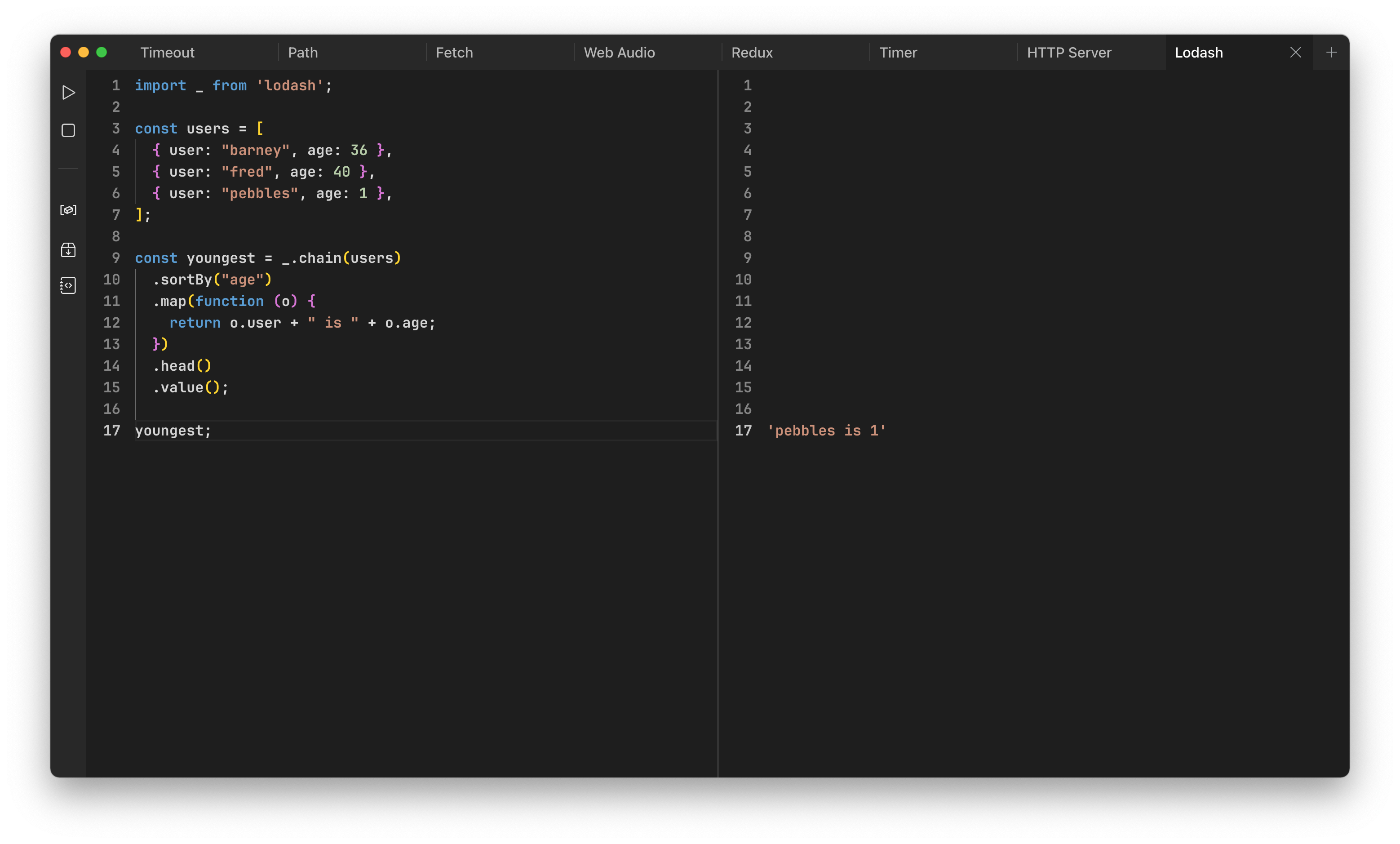
PlayJS is a desktop JavaScript and TypeScript playground for macOS, Windows, and Linux. It gives you a professional-grade code editor paired with a real-time output panel, so you can write code and see results instantly — no browser, no terminal, no build tools required.
What You Can Do
- See Results Instantly — The output panel displays results in real-time, aligned line-by-line with your source code. Toggle between auto-run and manual execution.
- Use NPM Packages — Search, install, and manage npm packages directly within the app. Import them with standard
importorrequiresyntax. - Save Code Snippets — Create reusable code snippets that appear as auto-completion suggestions in the editor.
- Set Environment Variables — Define
process.envvariables that are available across all your tabs. - Chat with AI — Built-in AI assistant that can explain code, answer questions, and interpret output. Supports OpenAI, Anthropic, Google, DeepSeek, xAI, MiniMax, and Kimi.
- Customize Everything — 9 themes, configurable editor settings, Prettier-based formatting, Vim key bindings, and experimental TC39 proposal support.
Quick Start
- Download PlayJS for your platform
- Open the app and start typing JavaScript or TypeScript in the editor
- Results appear automatically in the output panel on the right
- Explore the sidebar tools — NPM packages, environment variables, snippets, and AI chat
Free vs Licensed
PlayJS works out of the box with core editing and execution features. A license unlocks additional tools including NPM package management, environment variables, snippets, and more. Visit the pricing page for details.
